Attach normally
An employee attaches a document to the AI tool they already use.
RedactDock automatically removes sensitive information before files reach ChatGPT, Claude, Copilot, Gemini, and other AI tools.
Same AI. Same workflow. Sensitive data removed first.
 Claude
Microsoft Copilot
Claude
Microsoft Copilot
 Gemini
 Perplexity
Employees attach documents to AI the way they already do. RedactDock protects sensitive information before the file reaches the AI service.
An employee attaches a document to the AI tool they already use.
Sensitive information is automatically removed or replaced with protected tokens according to your organization’s policy.
The AI can still work with the document while protected information stays out of the AI request.
Start with personal protection or give your organization the visibility and control to manage AI document privacy at scale.
For individuals who want to protect what they send to AI. Includes one active Chrome extension installation.
For organizations that need centralized visibility, policy control, and audit reporting across employee AI use.
The Chrome extension is free to install, but sanitization requires an active paid RedactDock subscription. RedactDock—not Google—is the seller. After purchase, activate the extension with your licensed email and the six-digit confirmation code sent to it. If you only need to protect your own AI use, choose Personal. If your company needs centralized policies, reporting, and audit visibility across employees, choose Business.
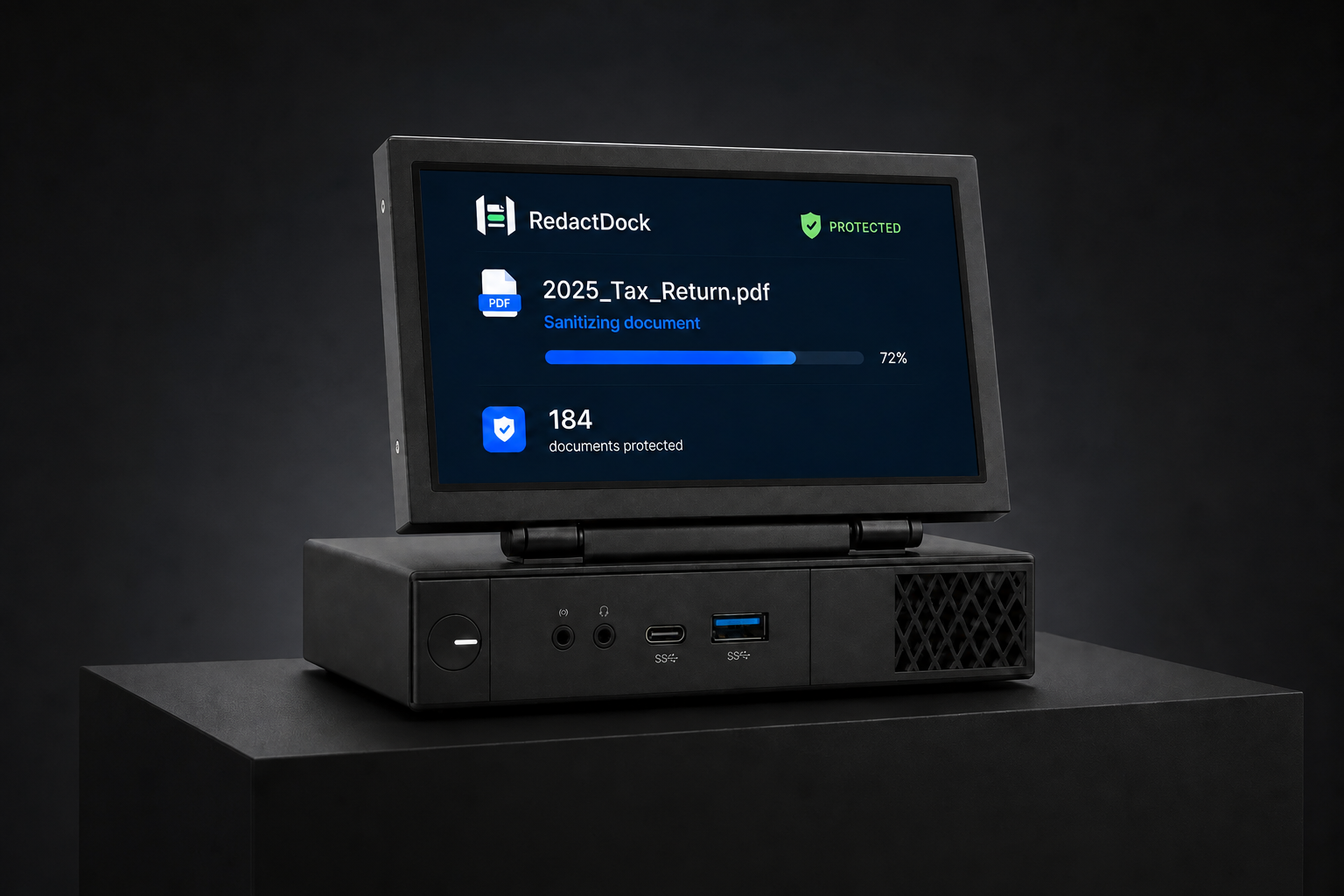
RedactDock Private AI is a dedicated local AI appliance for organizations that want sensitive document workflows to remain inside their own environment. Run supported AI workflows locally, keep documents off external AI platforms, and avoid per-token cloud AI costs for those workflows.

Run supported AI workflows inside your environment.
Sensitive documents do not need to be sent to external AI providers for those workflows.
Avoid recurring API token charges for supported local AI use cases.
A strong fit for accounting, legal, healthcare, and other privacy-sensitive environments.
Choose what RedactDock automatically protects before a document reaches AI.
Enterprise AI plans can provide stronger controls around storage, training, retention, and organizational access. They do not necessarily prevent an employee from uploading sensitive information in the first place.
RedactDock adds a protection layer before the document reaches the AI platform.
Three incidents that show why organizations need control over what enters AI systems.

Employees reportedly entered sensitive company information into ChatGPT, prompting new internal controls.
Read source ↗
IBM reported that one in five surveyed organizations experienced a breach involving shadow AI.
Read source ↗
A misconfigured storage token exposed workstation backups, passwords, secret keys, and internal messages.
Read source ↗No. RedactDock sits in front of the AI workflow and protects sensitive information before documents reach those services.
The goal is for employees to continue attaching files to the AI tools they already use while RedactDock adds the protection layer before the request reaches AI.
Personal is for individual protection. Business adds centralized policy management, reporting, and audit visibility for organizations. Private AI is a dedicated local AI appliance for supported workflows that need to stay inside the organization’s environment.
Business includes centralized management features such as organization-wide policies, audit reporting, and visibility into protection status across employees.
RedactDock Private AI is a local AI appliance for organizations that want supported AI workflows to run inside their own environment rather than relying on external AI platforms for those workflows.
